Turn web pages into clean Markdown
Clip, edit, export — one flow. No account, no server logs. Your content lives only in your browser.
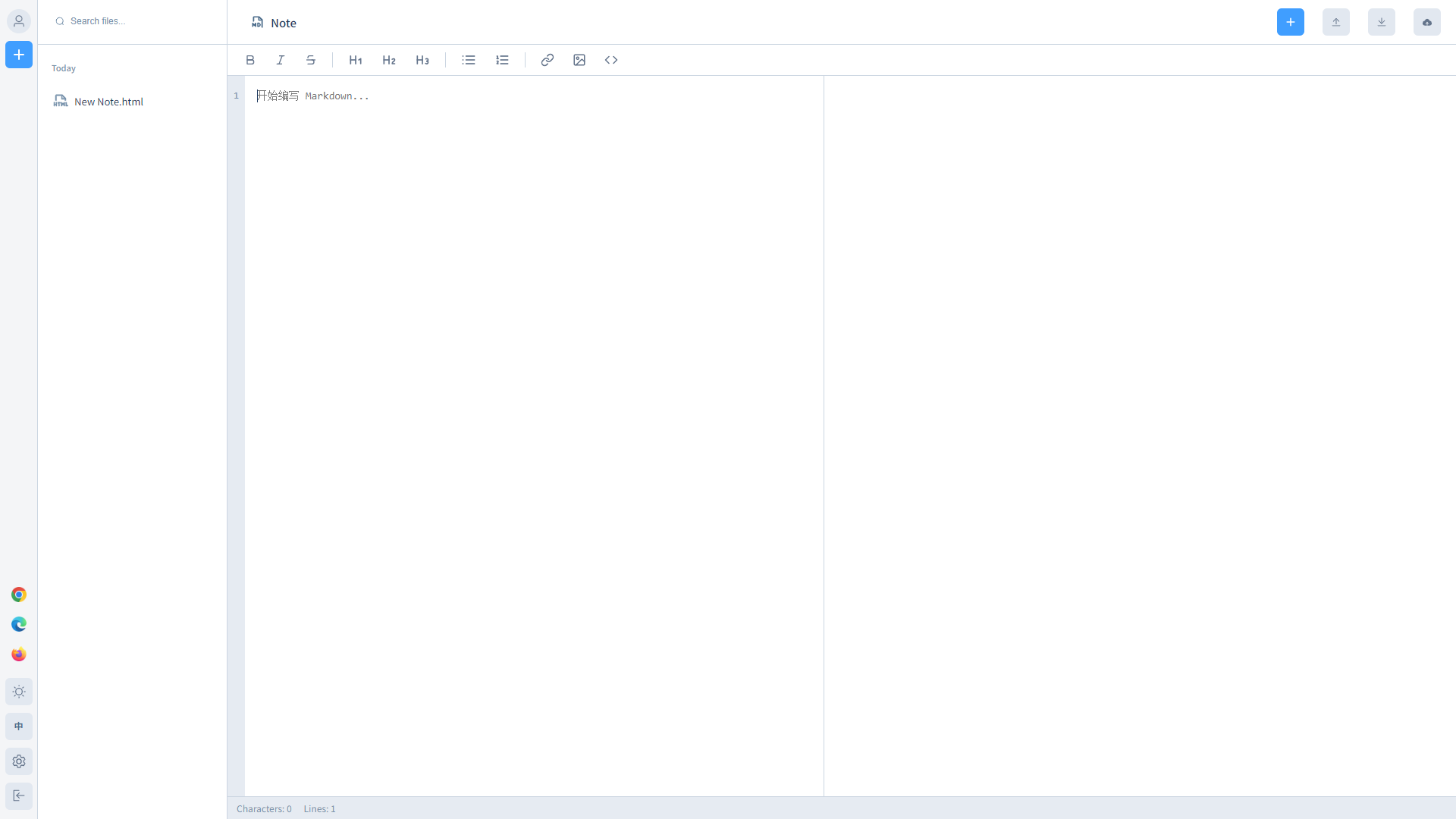
Designed for knowledge workers
Select anything on a web page and extract it as standard Markdown with one click — banners, pop-ups and ads automatically stripped. Cleaner than copy-paste, more structured than a bookmark.
Split-screen preview, toolbar formatting, syntax highlighting — feels like a local editor but runs in your browser. No install, no sign-in.
PDF / DOCX / HTML / Markdown with professional layout — no reworking needed.
No account, no cloud upload, no tracking. Your content lives only in your browser's IndexedDB.
Chrome / Edge / Firefox extensions plus a web app — use it anywhere.
Three steps to put the web into your second brain
Select page content, paste a URL, or drag in an HTML fragment.
Cookie banners, ads and intrusive scripts are stripped automatically, outputting standard Markdown.
Export to PDF / DOCX / HTML / Markdown in one click, or move into the card system to review.
One-click clipping, available everywhere
Right-click any selection on a page to extract it as Markdown, or install the extension and call it directly from your browser.

Right-click to clip, strip page noise automatically, available from any tab.
Install for Chrome
Native sidebar support — manage your documents without switching views.
Install for Edge
A privacy-friendly Firefox extension with a fully decoupled Markdown pipeline.
Install for FirefoxStill have questions?
Here are the most common ones. If yours isn’t listed, feel free to open an issue on GitHub.
Q01 Do I really not need an account?
That is correct. Cnotely stores everything in your browser’s IndexedDB. No servers, no sign-in, no upload of any kind.
Do I really not need an account?
That is correct. Cnotely stores everything in your browser’s IndexedDB. No servers, no sign-in, no upload of any kind.
Q02 Can I lose my data?
Since everything lives in your browser, clearing browser data, switching devices, or uninstalling extensions will delete it. We recommend regular exports as backups.
Can I lose my data?
Since everything lives in your browser, clearing browser data, switching devices, or uninstalling extensions will delete it. We recommend regular exports as backups.
Q03 What export formats are supported?
The Note Platform supports PDF / DOCX / HTML / Markdown. EPUB and bundled PDF exports are planned.
What export formats are supported?
The Note Platform supports PDF / DOCX / HTML / Markdown. EPUB and bundled PDF exports are planned.
Q04 What algorithm powers the memory cards?
We use an SM-2 based spaced-repetition algorithm — the same family as Anki. Each card’s interval adjusts dynamically based on your feedback, surfacing right before you’d forget it.
What algorithm powers the memory cards?
We use an SM-2 based spaced-repetition algorithm — the same family as Anki. Each card’s interval adjusts dynamically based on your feedback, surfacing right before you’d forget it.
Q05 Do I have to use both products together?
Not at all. The Note Platform is fully independent; so is creating cards manually. But together, you get the full clip-to-review experience.
Do I have to use both products together?
Not at all. The Note Platform is fully independent; so is creating cards manually. But together, you get the full clip-to-review experience.
Q06 Which browsers are supported?
Chrome, Edge and Firefox all have extensions; the Web App runs in any modern browser.
Which browsers are supported?
Chrome, Edge and Firefox all have extensions; the Web App runs in any modern browser.
Q07 Where is the source code?
The full source lives on GitHub — build it, audit it, fork it. See the repo root for instructions.
Where is the source code?
The full source lives on GitHub — build it, audit it, fork it. See the repo root for instructions.
No account needed — just open it and go.
Starting today, turn every valuable thing you read into knowledge you actually own.